September 9, 2026
How to Earn Treats in the Paw Rewards App
Learn how eligible Paw Rewards members earn Treats through profiles, adventures, reviews, referrals and Paw Quests, with clear limits and verification.
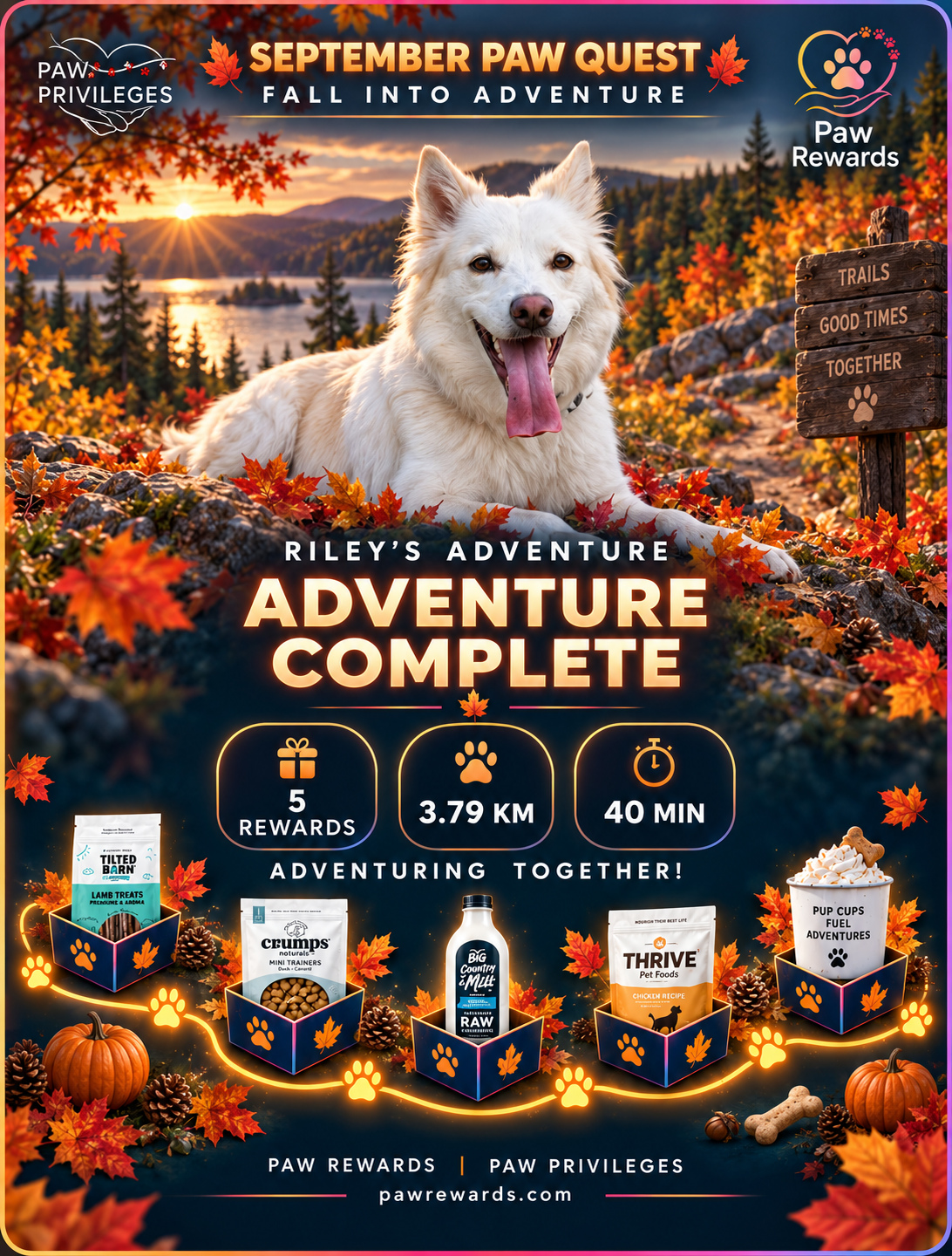
Treats are the reward currency inside Paw Rewards. People with an active Paw Rewards app account can earn them by completing real activities connected to responsible dog ownership, community participation and life with their dogs.
Not every tap, walk or training session automatically earns Treats. You must have an active account and complete the activity under current earning rules; the app must confirm completion before Treats are credited.
This guide explains which activities may qualify, how verification works, why an award may be delayed and where to check current values.
Last reviewed: October 14, 2026. Treat values, available tasks, Paw Quests, bonus events and limits can change. Your signed in Rewards page is always the current source of truth for your account.
The Short Answer: How Do You Earn Treats?
People with an active Paw Rewards app account can earn Treats by completing an active task, challenge or qualifying app action. You must also have an active app account to redeem Treats; simply visiting the public website or using the Vacation Planner as a guest does not qualify. Current examples can include:
- Verifying your email and completing your owner profile
- Adding a complete dog profile and dog photo
- Recording a first adventure or memory
- Completing an eligible tracked adventure
- Saving a Canadian partner listing
- Leaving an honest review for a breeder or partner
- Using a qualifying partner offer
- Inviting a friend who completes registration
- Creating or sharing a Pawtastic vacation plan
- Completing a current monthly challenge or Paw Quest
- Completing an approved social sharing activity
The list and values you see may differ from another member’s because completed tasks, active programs and timing all matter.
1. Start With Your Free Paw Rewards Account
Paw Rewards is free to join. You must create and maintain an active Paw Rewards app account to earn or redeem Treats. Public website visitors and Vacation Planner guests cannot earn or redeem Treats without an active app account. An invitation from a breeder or partner is not required to earn Treats.
Breeder and partner connections may affect which exclusive offers you can see, but they do not determine whether your active account can earn Treats. Sign in to the Paw Rewards app, add your dog and check the current Rewards board for available activities and their current values. Each award still depends on completing the specific activity and meeting its verification rules.
If you are new to the app, start with How Paw Rewards Works: Walk, Train, Explore and Earn.
2. Open Your Live Rewards Board
Sign in and open Rewards. This is where Paw Rewards brings together your available Treats, current level, progress, featured challenge, daily opportunities, complete task list, recent activity and available reward catalogue.
Look for three sections before deciding what to do:
- Today’s quick wins shows currently available activities suited to a shorter visit.
- All ways to earn shows the broader task list available to your account.
- Recent activity shows confirmed Treat credits and adjustments.
Open the task card before you begin. Read its description, value and destination. If a task is unavailable, already completed or waiting for a limit to reset, the board should reflect that state.
3. Complete the Foundation Tasks First
Account and dog profile tasks are a simple place to begin and improve the rest of the app experience.
Verify your email
Follow the confirmation request sent during account creation. Email verification protects the account and lets the system confirm that this one time task is complete.
Complete your owner profile
Add the information required by the live profile task. A complete profile helps the app connect your account, location and owner experience correctly.
Add your dog
Create a profile for each dog you want to include. The app can recognize a completed dog profile as an eligible action, and separate dog records help keep adventures, memories and recommendations attached to the correct dog.
Add your dog’s photo
Upload a clear photo through your dog’s profile. Paw Rewards checks that a photo exists before confirming this task.
Some profile activities are one time tasks. Others may be repeatable when they apply to a genuinely different dog. Adding the same dog or submitting the same record repeatedly does not create unlimited credits.
4. Earn Through Adventures, Walks and Paw Quests
Adventure activity can earn Treats in more than one way. Your first completed adventure may qualify as a milestone. Eligible tracked adventures may also receive distance based rewards when valid distance is recorded and that adventure has not already been credited.
A current Paw Quest or monthly challenge can add its own goal, verification method, deadline and reward. Open the challenge before starting so you know what counts. A routine walk does not automatically satisfy every Quest.
When recording an adventure:
- Select the correct dog.
- Start the appropriate adventure or walk flow.
- Allow the permissions needed for the feature you chose.
- Finish and save the activity.
- Return to Recent Activity to confirm the credit.
Choose activities for the dog in front of you. Weather, age, conditioning, health, confidence and training all matter more than chasing a number on a screen.
5. Earn Through Training and Learning
Training may qualify when it is part of a current Paw Quest, monthly challenge or active task shown in the app. Do not assume that every ordinary training session carries a Treat value.
Paw Rewards supports education, awareness and relationship building. Companion dogs, sport dogs and working breeds may use different methods, equipment and goals. Whatever approach you use, understand it, apply it correctly and choose work suited to the individual dog and handler.
Puppy Academy can help you build foundations and organize useful learning. The rewards program celebrates meaningful participation, but it does not replace thoughtful training or qualified instruction.
6. Support Responsible Breeders and Canadian Businesses
Some Treat activities are designed to make the Paw Privileges community more useful for everyone.
You may see opportunities to:
- Save a partner listing you genuinely want to revisit
- Use a qualifying partner offer
- Review a breeder you have real experience with
- Review a Canadian partner or business after a genuine interaction
Use the Canadian dog friendly directory to discover places and services, and the responsible breeder directory to explore verified breeder profiles.
Reviews must be honest and experience based. Explain what service you used, what mattered for your dog and what another owner should know. A reward never changes your responsibility to write a fair review.
7. Earn Through Memories, Sharing and Referrals
Your first saved memory may qualify as a milestone. Some active tasks may also recognize sharing a memory, adventure or Pawtastic vacation plan through an approved social channel.
Social tasks can require manual confirmation. Follow the task wording exactly, including any required account tag, and understand that the Treats may not appear immediately.
Referral rewards are tied to a real invitation and a completed registration. Sending yourself an invitation, reusing one signup or sharing a generic link without the tracked invitation relationship will not create a valid referral credit.
Use Paw Rewards to share moments worth remembering, not to produce empty activity for points. The goal is meaningful participation in a community built around responsible breeders and owners.
8. Understand Automatic and Manual Verification
Every active reward task has a verification method.
Automatic verification
The app checks the underlying record. It may confirm that an eligible profile exists, a dog photo was uploaded, an adventure was saved, a review belongs to your account or an invited person completed registration.
Automatic does not mean that simply pressing a task card earns Treats. The required action must exist in the system and belong to your account.
Manual verification
A person or campaign process may need to confirm completion. Social shares and selected challenge activities are common examples. Follow the current instructions and allow time for review.
The verification method protects members, breeders, partners and the reward pool from duplicate or false claims.
9. Know the Four Common Limits
- One time tasks: These can be credited once, such as a first milestone or account setup action.
- Repeatable tasks: These can be completed again when each completion is legitimate and meets the current rules.
- Waiting periods: Some repeatable actions require time before they become available again.
- Object limits: The same review, invite, dog, adventure or other record cannot be submitted repeatedly for additional Treats.
Bonus events can temporarily change the value of selected tasks or categories. The task board and current event terms determine whether a multiplier applies.
10. Confirm That Your Treats Were Added
After completing an activity, return to Rewards and check Recent Activity. A confirmed entry shows the reason and the number of Treats added. Your available balance and level progress should update with the credit.
A task can disappear from the available list when it has been completed, when a waiting period is active or when a campaign closes. That does not necessarily mean anything is wrong.
Why Did I Not Receive Treats?
Work through this checklist before reporting a problem:
- Confirm you are signed in to the correct account and the action qualifies under current earning rules.
- Make sure the task was active and available before you completed it.
- Read the task description again for a missing step.
- Check whether the task is one time only or still inside a waiting period.
- Confirm that you used the correct dog, invitation, review or adventure record.
- Save or finish the action instead of leaving it incomplete.
- Allow time for manual verification when the task requires it.
- Check Recent Activity in case the credit posted without a pop up message.
If the activity still appears valid, use the app’s support option and include the task name, date, dog involved and any relevant screen capture. Do not create duplicate records while waiting for help.
Frequently Asked Questions
Are Paw Rewards points and Treats the same thing?
People may search for Paw Rewards points, but the reward currency displayed in the current Paw Rewards experience is called Treats.
Does every walk earn Treats?
No single promise applies to every walk and every account. An eligible, saved adventure with valid distance may qualify for distance based earning, while a Paw Quest can add separate rules. Check the live board before relying on a reward.
Does every training session earn Treats?
No. Training earns when it is connected to a current challenge, Quest or active task available to you.
Can public accounts collect Treats?
Yes. Registered members with an active Paw Rewards app account can earn and redeem Treats through qualifying activities and available rewards. No breeder or partner invitation is needed for ordinary Treat earning. Merely browsing the website or planning a trip as a guest does not qualify. Some exclusive partner offers may have separate visibility or eligibility requirements.
Why do Treat values change?
Tasks, Paw Quests and bonus events can be updated. Values may also differ by activity or campaign. This keeps the program current and is why the signed in board is the source of truth.
What can I do with my Treats?
With an active Paw Rewards app account, open the reward catalogue inside Rewards to see what is currently available and the Treat amount required. Catalogue items and availability can change. Review all terms before submitting a redemption.
Start With One Genuine Action
The easiest path is simple: sign in to your active Paw Rewards app account, open your live board and choose one activity that already belongs in life with your dog. Complete the action properly, let the app verify it and check Recent Activity.
Explore the current ways to earn Treats, or create your Paw Rewards account .
Continue With Paw Rewards
Keep exploring
Everything you need — from finding your next dog to caring for the one already at your feet.
Related Articles
- No related guides to display.
- Browse all articles →
Breeders
Memory Box
Rewards
Do It Right
Comments (0)
Loading comments…